Bounce Dash
A downloadable game for Windows and Android
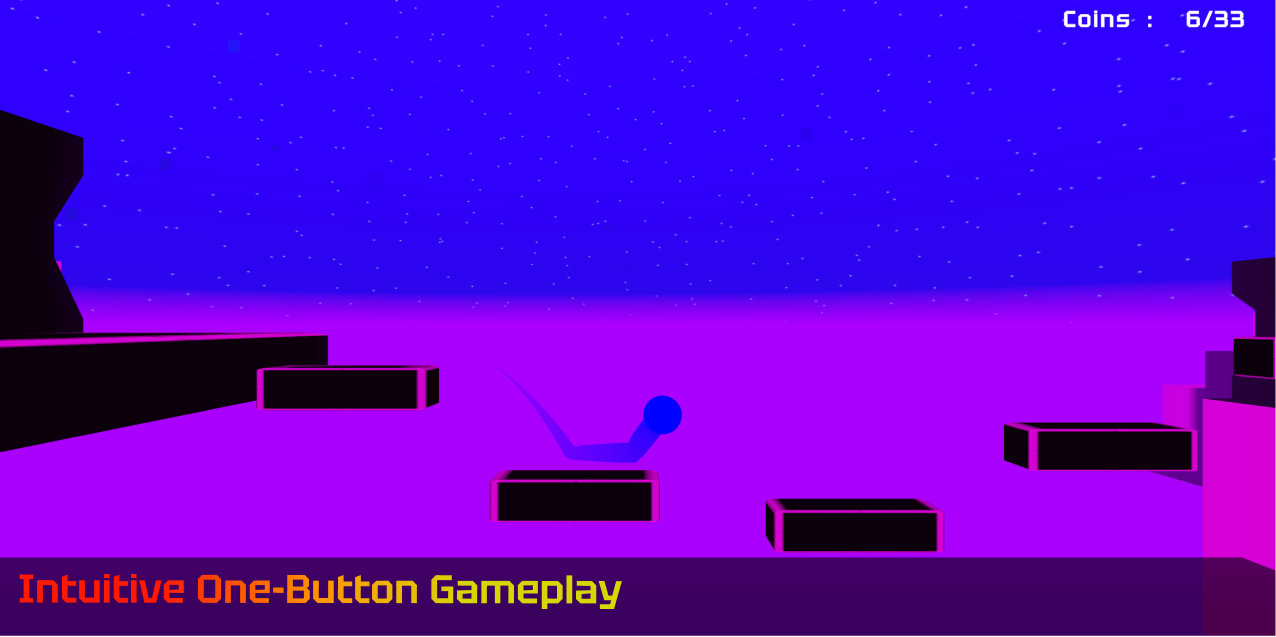
Bounce Dash is a fast-paced, reflex-based 3D platformer inspired by classic geometry-style arcade games. Test your reaction time as you navigate through a neon-lit, synthwave environment filled with challenging traps.
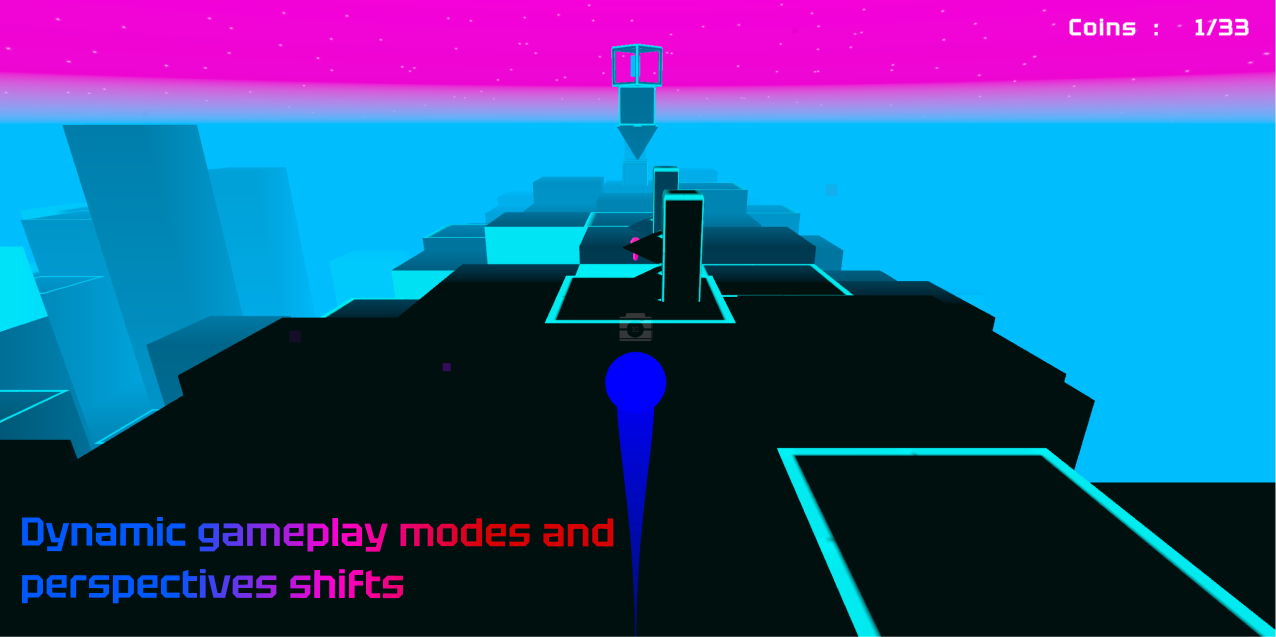
Whether you're dodging hazards in first-person view or navigating tight platforming sections from the side, every jump counts.
[ /// KEY FEATURES /// ]
■ Intuitive, one-button gameplay: Easy to learn, hard to master. One tap controls your fate.
■ Dynamic gameplay modes and perspective shifts: Enter portals that instantly change your movement mechanics and camera angles, keeping the gameplay fresh and unpredictable.
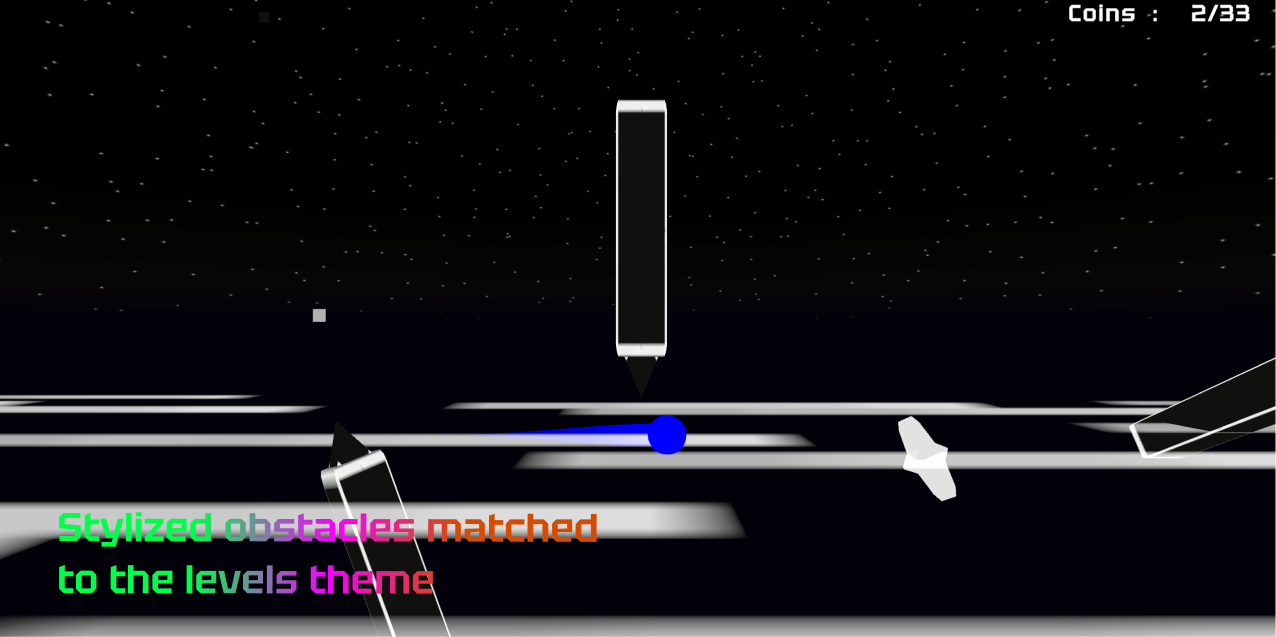
■ Stylized obstacles matched to the level's theme: Navigate through a cohesive, neon-infused world with custom hazards.
■ Energetic soundtrack: An atmospheric synthwave beat that keeps you in the flow.
[ /// CURRENT BUILD STATUS: DEMO /// ] This APK contains one fully polished, highly challenging level designed to showcase the core mechanics, perspective shifts, and visual style of the game. Can you reach the end without crashing?
► CONTROLS ◄
📱 Mobile: Tap / Hold on the screen.
💻 PC: Left Mouse Click / Spacebar.
(Actions adapt depending on your current gameplay mode: jump,interact, etc.)
Created by a solo developer. Any feedback in the comments is highly appreciated!
Download
Install instructions
How to install on Android:
- Download the
.apkfile below directly to your Android device. - Open the downloaded file.
- If prompted by your phone, go to Settings and allow installation from "Unknown sources" (or allow your browser/file manager to install apps).
- Tap "Install" and wait for the process to finish.
- Launch the game and test your reflexes!
How to install on Windows:
- Download the .zip file below to your PC.
- Crucial Step: Right-click the downloaded .zip file and select "Extract All..." to unpack it into a new folder. (Do not run the game directly from inside the archive, or your save data won't work!).
- Open the newly extracted folder.
- Double-click the
.exefile to launch the game. - Note: If Windows Defender shows a blue "Windows protected your PC" screen, simply click "More info" and then "Run anyway".
- Jump in and test your reflexes!
Leave a comment
Log in with itch.io to leave a comment.